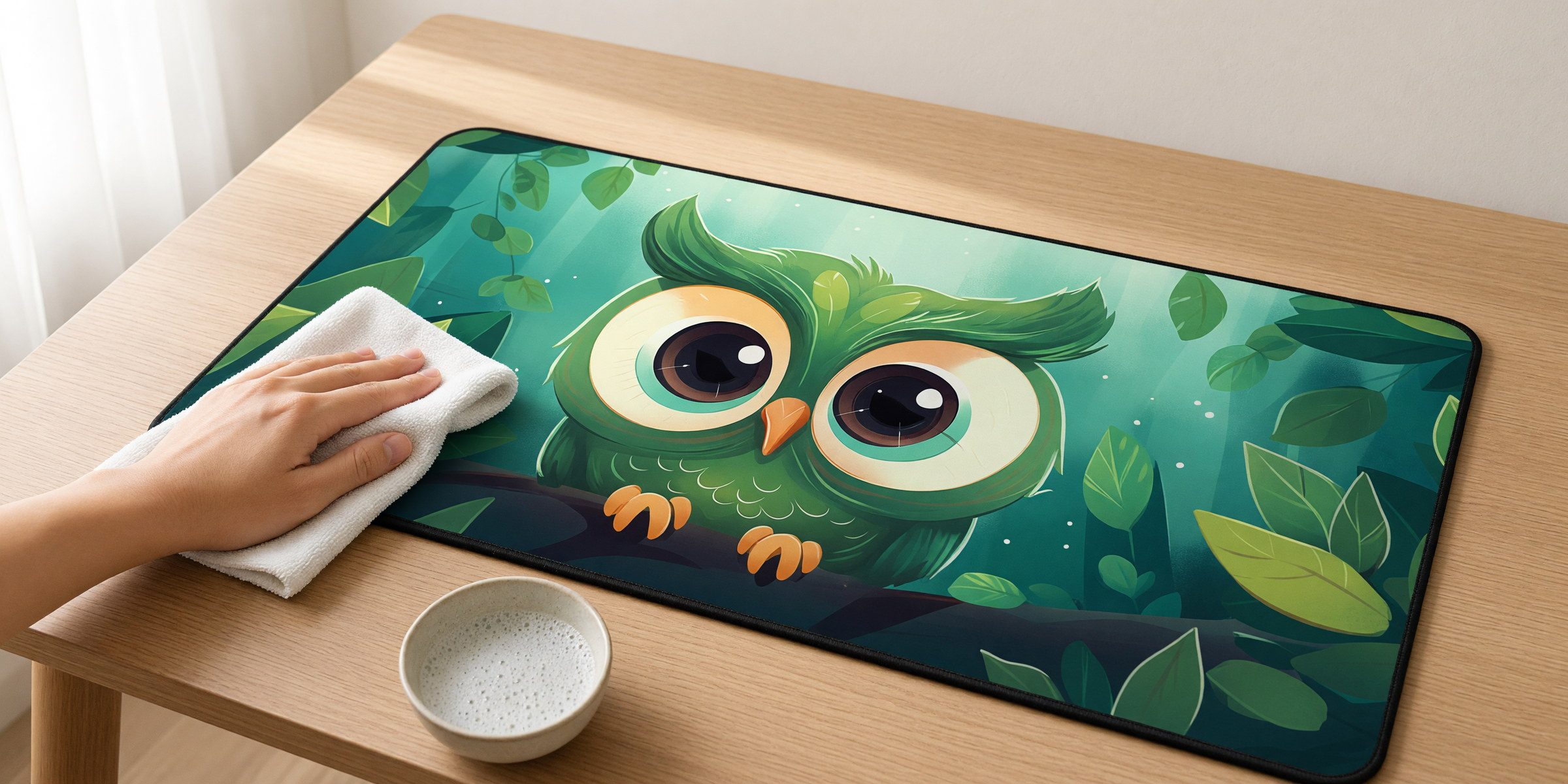
Regular cleaning (monthly, or when it looks dirty)
For normal desk use you are mostly dealing with dust, skin oils from your hands, and the occasional coffee ring.
What you need
- Warm water
- Regular dish soap, nothing fancy
- A soft cloth or sponge
- A dry towel
The process
- Move your keyboard and mouse off the mat.
- Mix a few drops of dish soap into warm water.
- Dip the cloth and wring it out. Damp, not soaking.
- Wipe the surface in circular motions.
- Go over it with a clean damp cloth to lift any soap.
- Towel dry, or let it air dry for 10 to 15 minutes.
That is it. No soaking the whole mat, no scrubbing.
Dealing with spills
Coffee, water, soda: whatever you spill sits on top of the mat instead of soaking through to the desk. That is the whole point.
Fresh spills
Wipe immediately with a paper towel or cloth. Neoprene is water-resistant, so liquid will not soak in if you get to it quickly. Most spills come up with a dry wipe.
Dried spills or sticky spots
Use the soapy water method above. For stubborn spots, let the soapy cloth sit on the mark for a minute before wiping. Do not scrub hard near the stitched edge.
Grease or oil
These happen if you eat at your desk, no judgment. Dish soap is designed to cut grease: put a little directly on the spot, let it sit for a minute, then wipe with a damp cloth.
What not to do
- No bleach or harsh chemicals. They fade the print and break down neoprene.
- No washing machine. The agitation and heat distort the shape and stress the stitched edges.
- No abrasive scrubbers. Steel wool, rough sponges and stiff brushes scratch the surface and wear the print.
- No long soaks. Spot cleaning is all it needs.
- No dryer. Heat warps neoprene. Air dry only.
Tough stains
For really stubborn marks like ink or permanent marker, try a soft-bristled brush with soapy water in gentle circles. If it will not shift after a few attempts, it is probably there to stay. The upside of a printed mat: on a busy design, small marks tend to blend in.
Odors
Neoprene does not absorb odors easily, but if the mat starts to smell after food spills or years of use:
- Clean it thoroughly with soapy water.
- Mix equal parts water and white vinegar.
- Wipe the mat down with the vinegar solution.
- Rinse with clean water.
- Air dry completely, ideally near an open window.
The vinegar smell disappears as it dries.
Long-term upkeep
Not much to do. The stitched edges prevent fraying and the rubber base does not wear out or get sticky.
- Clean it monthly or whenever it looks dirty.
- Wipe up spills when they happen rather than letting them dry.
- Keep sharp objects off it: box cutters, scissor points, that kind of thing.
- Do not drag heavy or sharp-edged items across the surface.
Expected lifespan
With normal use and occasional cleaning these mats last years. The print does not fade from regular use and the neoprene will not wear through. Most people replace a desk mat because they want a new design, not because the old one wore out.
Storage
- Clean it and let it dry completely.
- Roll it loosely. Do not fold it, folding creates permanent creases.
- Keep it somewhere dry at room temperature.
- Do not stack heavy things on top of the roll.
After storage it may have a slight curl. Lay it flat on the desk for a few hours and it will settle on its own.
Ready for a new design?
Most people swap mats for the look, not the wear. Browse the gallery and pick your next one.
Browse the designs