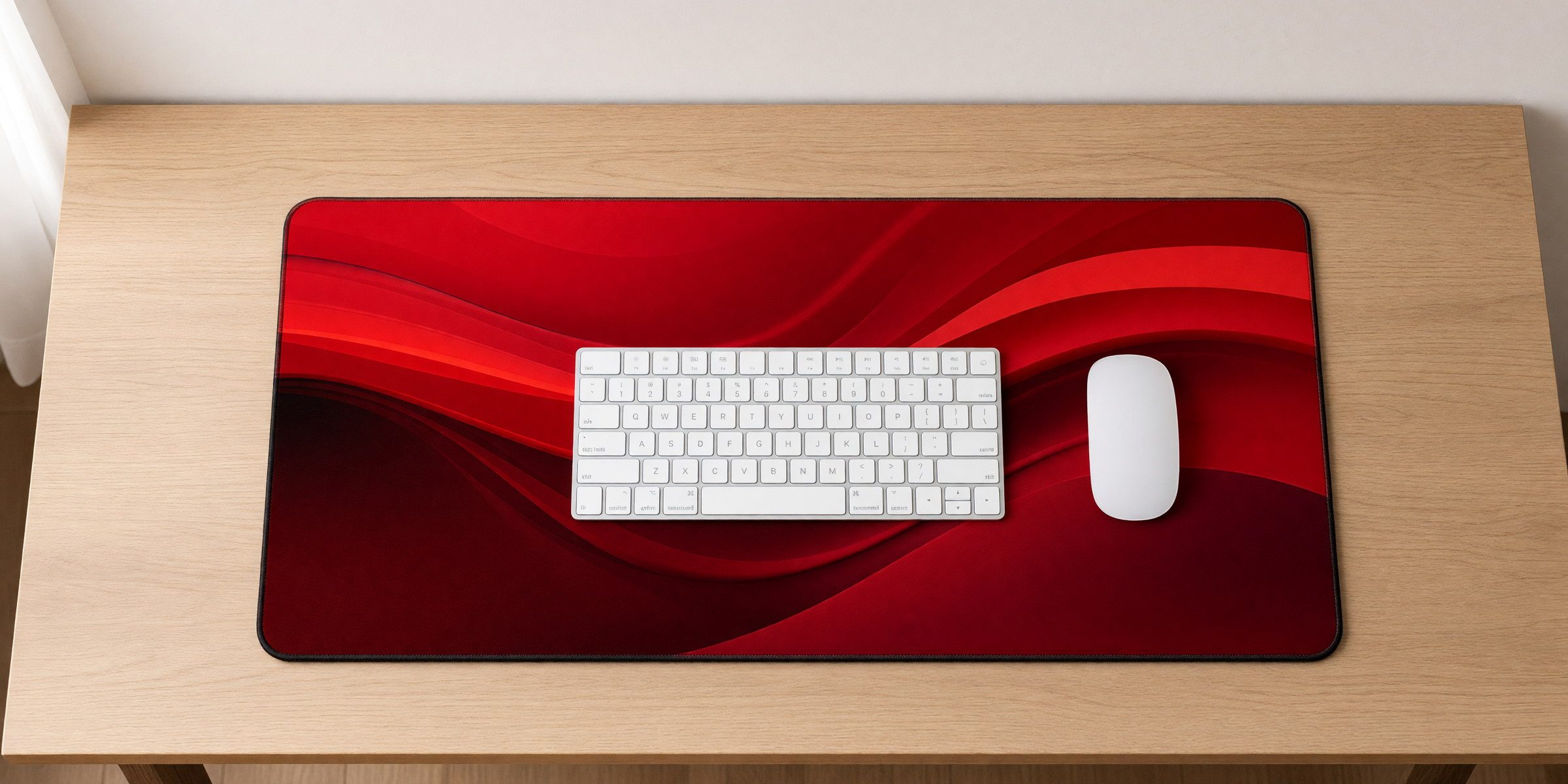
The three sizes, to scale
All mats are 3mm thick, about an eighth of an inch. Only the surface area changes.
12″ × 18″ (Compact)
Actual measurements: 12 inches deep by 18 inches wide.
What fits:
- A 13 to 15 inch laptop plus a wireless mouse
- A 60% or tenkeyless keyboard plus a standard mouse
- A compact keyboard, mouse and a small notebook
Best for: minimal setups, small desks, or covering just your main gear on a larger desk.
Not ideal for: full-size keyboards, gaming mice that need room, or desks with a lot going on.
12″ × 22″ (Standard)
Actual measurements: 12 inches deep by 22 inches wide.
What fits:
- A full-size keyboard and mouse with room to spare
- A tenkeyless keyboard, mouse and phone or small accessories
- Most standard desktop setups
Best for: office work, coding, design. The most versatile size, and the one most of our customers pick.
Not ideal for: ultra-wide keyboards, multiple input devices, or low-sensitivity gaming that needs lots of mouse space.
16″ × 32″ (Extended)
Actual measurements: 16 inches deep by 32 inches wide.
What fits:
- A full-size keyboard plus an extended mouse area
- Keyboard, mouse, notebook, coffee cup and phone
- Everything you typically keep on your desk
Best for: gaming, large desks, and anyone who wants one unified surface across the whole workspace.
Not ideal for: desks under 36 inches wide, or if you like desk surface showing around the edges.
How to measure your desk
Do not guess. Grab a tape measure and check these:
- Usable desk width: the space between any obstacles you are not moving (monitor stand, lamp base). This is your maximum mat width.
- Keyboard width: most full-size keyboards are 17 to 18 inches. Tenkeyless are around 14. 60% boards are about 12.
- Mouse space: how much horizontal room your mouse actually uses when you work or play. Add a few inches of buffer.
- Other desk items: notebook, phone, coffee. If you want them on the mat, measure that space too.
The math
Add up keyboard width, mouse space and any accessories, then add 2 to 4 inches of padding. That is your minimum mat width. Compare it to the three sizes and pick the next one up.
Example: full-size keyboard (18″) + mouse space (8″) + phone (3″) = 29″. The 16″ × 32″ mat fits everything with a little breathing room.
Common keyboard sizes and what fits
| Keyboard | 12″ × 18″ | 12″ × 22″ | 16″ × 32″ |
|---|---|---|---|
| Full-size (100%), 17 to 18″ wide | Tight. Very little mouse room. | Comfortable, about 4 to 5″ for the mouse. | Spacious, room for mouse and extras. |
| Tenkeyless (TKL), 14 to 15″ wide | Works with moderate mouse use. | Comfortable with good mouse space. | Very roomy, add a notebook. |
| 60% / compact, 12 to 13″ wide | Perfect for minimal coverage. | Extra room for mouse or accessories. | Almost too much unless you want the extended look. |
Gaming considerations
High sensitivity (small movements): 12″ × 22″ works. You are not sweeping across big distances.
Low sensitivity (big movements): go 16″ × 32″. FPS games especially need room for wide mouse arcs so you are not constantly lifting and repositioning.
Mixed use: 16″ × 32″ gives you flexibility for both without being oddly oversized for normal work.
Desk width reality check
Small desks (24 to 30″ wide)
12″ × 18″ or 12″ × 22″. The extended mat would hang over or leave almost no desk showing.
Standard desks (36 to 48″ wide)
Any size works. The 16″ × 32″ looks proportional and leaves some desk visible at the sides.
Large desks (60″ and up)
All sizes work and the extended mat will not look oversized. Some people run two mats to define separate work zones.
Tolerance and fit
Manufacturing tolerance is about an inch, so your mat may be slightly bigger or smaller than listed. That is normal for fabric products and does not affect how it works. The mat sits flat, does not curl at the edges, and the rubber base keeps it in place without adhesive.
Still not sure?
Go with 12″ × 22″. It handles most setups without being too big or too small.
Browse the designs